

User-first opening: why this matters
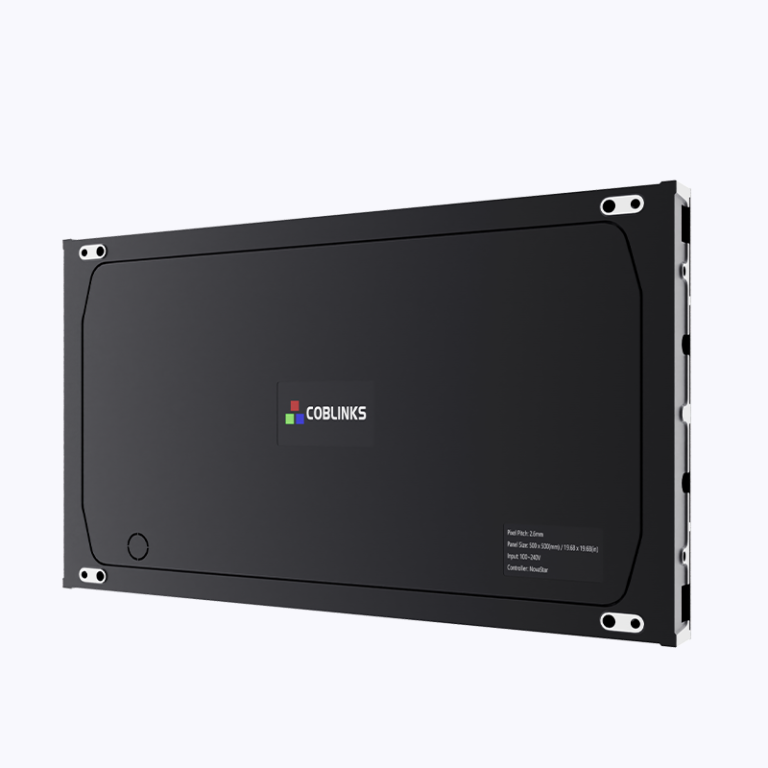
If you’re fitting out a boardroom, foyer or event space, the right LED video wall can make communication clearer and the place feel alive — sweet as. Start by thinking about who uses the screen: presenters, visitors, or digital signage teams. For a compact, high-definition option that suits tight viewing distances, consider a Micro LED display as part of the shortlist. Real-world examples like Times Square show how scale and brightness grab attention; your corporate space just needs the right balance of clarity and subtlety.
What users actually need
People want readable content from the first row to the back. That means low pixel pitch for close viewing, enough brightness for ambient light, and a reliable refresh rate for video and live feeds. Pixel pitch, brightness (measured in nits) and refresh rate are the core specs to prioritise. Keep it simple: tighter pixel pitch for presentations and dense graphics; higher brightness for sunlit lobbies. Pick led screen panels that match the room, not the headline specs.
Practical spec trade-offs and industry terms that matter
Don’t chase every spec. A smaller pixel pitch improves detail but costs more. Higher refresh rate reduces flicker for camera feeds, handy if you livestream events. Module design and cabinet alignment determine how seamless the wall looks. For indoor corporate spaces, pixel pitch often ranges from 0.8mm to 3mm. For outdoor facades, budgets and viewing distance usually push you toward 6mm to 10mm. Think in terms of use-case, not just the biggest numbers.
Installation, common mistakes and how to avoid them
Most screw-ups come from mismatched expectations. Common mistakes: underestimating ambient light and buying too-low brightness, neglecting calibration, and assuming any AV contractor can handle fine-pitch modules. Also watch the structural supports and access for servicing — panels need space to be pulled forward. Get playback tested with real content and test the refresh rate with camera footage. Plan for ongoing calibration and maintenance so colours stay true. – A small note: good cable management saves headaches later.
Sizing, control systems and alternatives
Measure sightlines first. A single massive screen can dominate a room and isolate small groups. Sometimes multiple smaller screens or a bank of ultra-fine Micro LED display tiles work better for mixed use. If you need a lower-cost option for meeting rooms, a high-brightness LCD panel or a well-calibrated projector can be practical alternatives to expensive modular LED. For very compact installs, a dedicated small led display might be all you need — neat, energy-efficient, and easy to service.
Budgeting and lifecycle thinking
Upfront cost is only part of the picture. Factor in installation labour, mounting infrastructure, control electronics, and ongoing calibration. LED modules last long but require service access and replacement planning. Warranties vary; check what’s covered for diode degradation, driver IC failures, and environmental exposure. Choosing modular cabinets with swappable modules reduces downtime and keeps long-term costs down.
Assessment checklist — quick and honest
Keep this short when you evaluate vendors: viewing distance alignment, pixel pitch fit, brightness for ambient light, refresh rate for camera feeds, serviceability, and warranty clarity. Ask for live demos using your actual content. Also confirm that the supplier can commission colour calibration and provide spare modules over the lifecycle — that’s where projects usually stumble.
Three golden rules for choosing the right solution
1) Match pixel pitch and brightness to real viewing conditions, not showroom specs. 2) Prioritise maintainability: modular cabinets and clear service access. 3) Validate with live content and camera tests before sign-off. These three metrics will help you pick a system that lasts and stays useful.
Coblinks understands the on-the-ground trade-offs and can help you balance tech, budget and service so your LED video wall delivers for years to come.
