

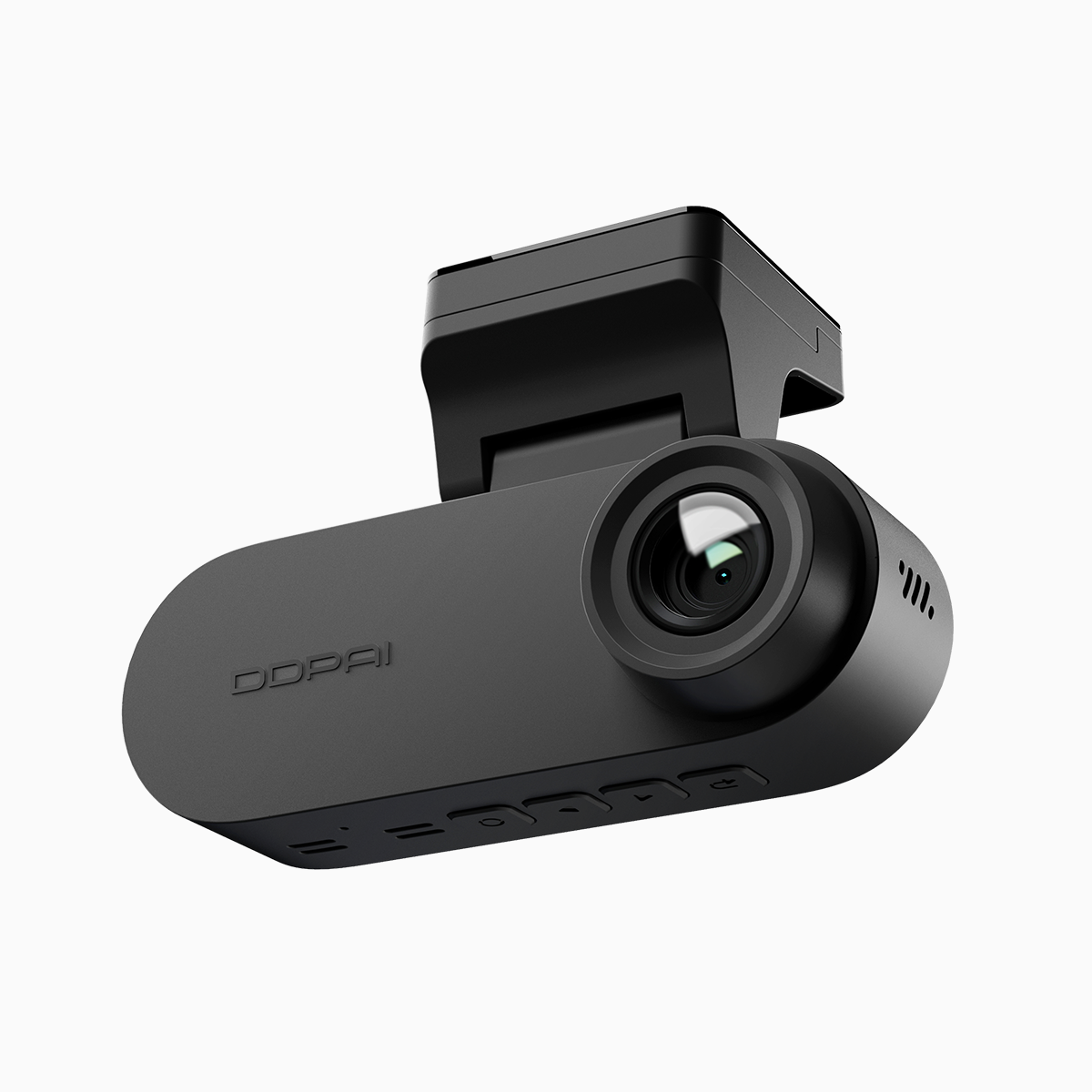
Start from your daily drive
Think like an athlete prepping for the road — focus on the conditions you face every day and pick gear that matches. If you commute through tunnels, busy intersections, or night-shift streets, you need clear footage from a front and rear dash cam that records reliably. The World Health Organization notes about 1.3 million annual road fatalities worldwide, so evidence matters. Keep it simple: prioritize usability, secure mounting, and footage you can actually retrieve when it counts.
Resolution and frame rate: pick performance that proves things
Resolution isn’t a flex — it’s a tool. 4K gives sharper plate reads at distance and better crop options for insurance claims. Pair it with a solid frame rate (30–60 fps) and decent bitrate so motion stays clear, not blocky. Add WDR or HDR for balanced exposure at dawn and dusk. Aim for the combination that matches your most common scenario: high resolution for highway speeds; better low-light performance for late-night city driving.
App connectivity and daily workflow
Get real: the camera is only as good as how fast you can access footage. Native Wi‑Fi for on-device transfers, a responsive mobile app, and GPS stamping on clips speed up reporting. Cloud backup is nice for long-term evidence, but local loop recording is the workhorse. Make sure the app handles clips in small chunks and shows GPS speed overlay — those are time-savers when you need to submit a file to claims.
Form factor, field of view, and mounting
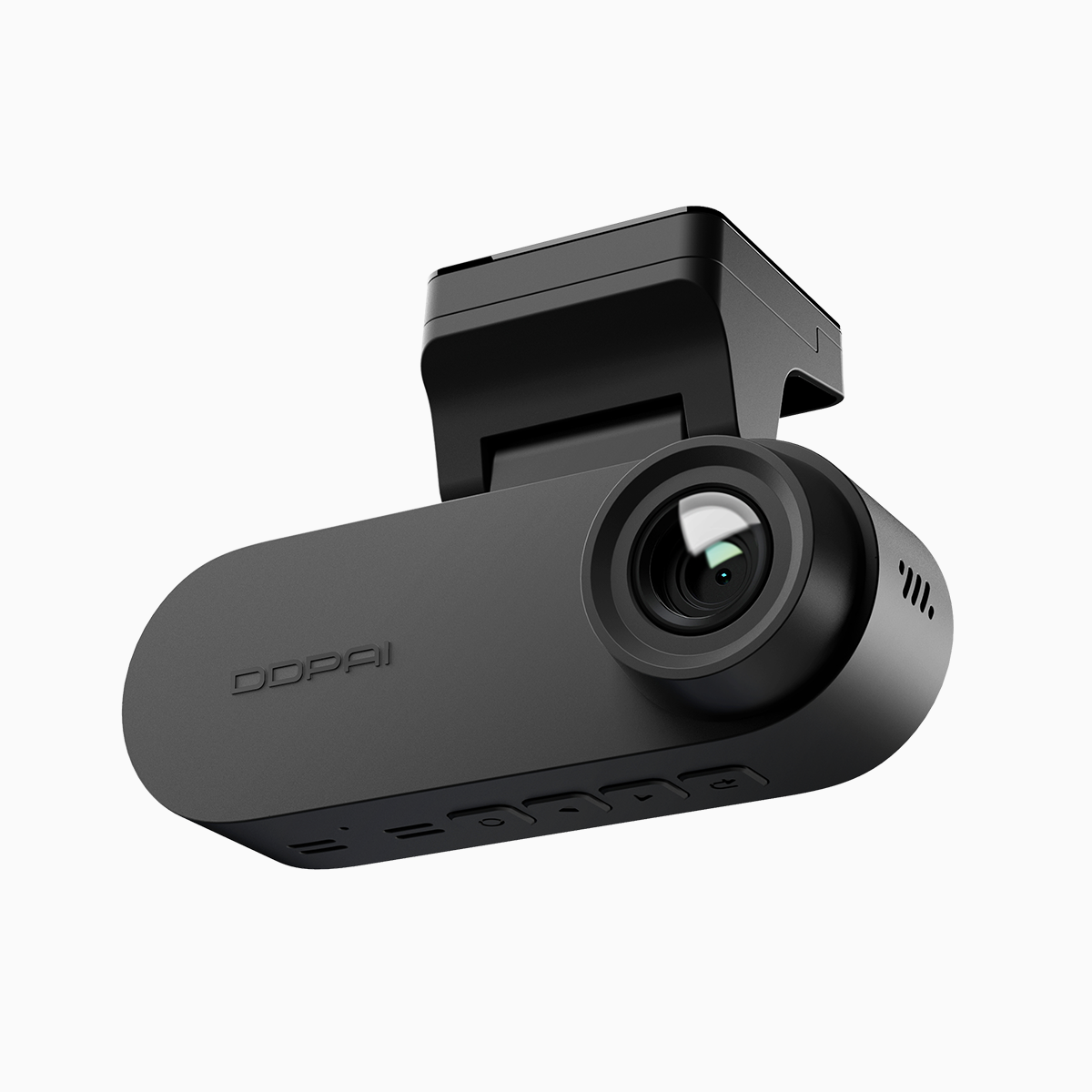
Size and sightlines matter. Compact bodies reduce glare and avoid blocking your view, while a wide-angle lens covers lanes without excessive distortion. Mounting should be stable: adhesive for long-term placement, suction if you swap cars. Pick a model whose form factor keeps the camera tucked behind the rearview mirror — discreet and effective. If you want dual coverage, confirm the rear camera’s field of view and cable routing options — little details that save headaches later.
Power, loop recording, and incident detection
Power design is a reliability play. A capacitor-based unit wins for heat resistance; a hardwired parking mode adds evidence when the car is off. Loop recording keeps storage manageable by overwriting old clips, while a G-sensor locks collision files automatically. Don’t skimp on storage class — UHS‑I V30 or better. These are practical specs, not marketing buzz — they keep critical footage intact. — Small choice, big outcome.
Common mistakes drivers make
Buy on megapixels alone. Skip the setup check. Ignore app updates. Those are the quick ways to waste money. Calibrate the camera angle during the day, confirm GPS time sync, and run a transfer test to your phone. If you park in tight urban areas, enable motion-detect parking mode and set sensitivity properly to avoid a backlog of false saves.
Quick, actionable checklist
– Choose 4K or 2.5K depending on highway vs city use.
– Verify frame rate (30–60 fps) and bitrate for moving clarity.
– Confirm WDR/HDR for varied lighting.
– Test mobile app transfer speed and GPS overlay.
– Prefer capacitor power or hardwire for parking mode with G‑sensor protection.
– Confirm discreet form factor and stable mount.
– Buy a proven 2 channel dash cam if you need simultaneous front and rear evidence.
Three golden rules to finish strong
Rule 1: Evidence first — prioritize reliable recording, timestamping, and easy retrieval. Rule 2: Usability wins — an intuitive app and clean mounting mean you’ll actually use the system. Rule 3: Durability counts — heat-resistant power systems and quality storage prevent lost footage. Follow these and you’ll get measurable benefits: faster claims, clearer proof, fewer headaches.
Final push
Gear up smart, test it daily, and keep footage accessible — that’s how you turn a camera into protection. Real-world stakes demand practical choices; this is where DDPAI PH fits as a dependable solution for dual-channel reliability and user-friendly apps. —
