

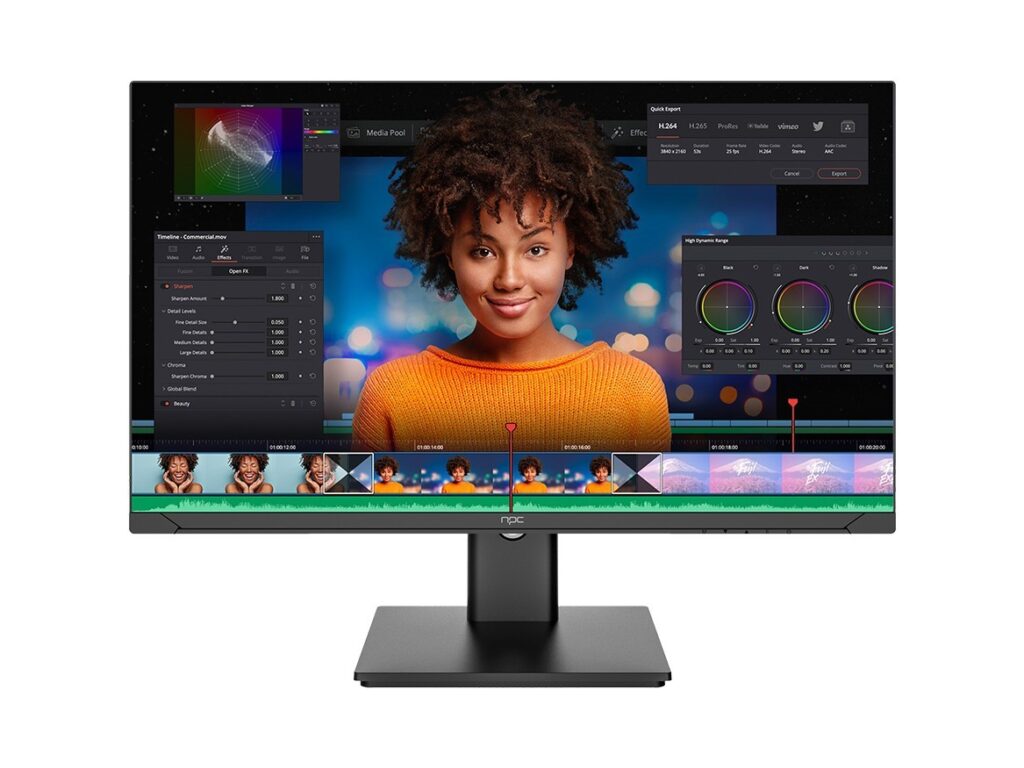
The problem — too many options, too little clarity
Choosing a monitor feels like too many knobs, specs, and promises. You want a clear pick for work, gaming, or color-critical design, not a guess. I’ve spent years testing screens and talking with engineers and dealers, and I still see the same traps: buzzword specs, misleading marketing, and mismatched ports. If you’re scanning reseller pages or talking to a monitor manufacturer, you need a method to separate real value from fluff. At CES in Las Vegas, manufacturers show the newest panels and claims that later end up either meaningful or meaningless—so real-world demos matter. For a practical starting list of reliable options, check best pc monitor manufacturers to compare models that often pass those live tests.
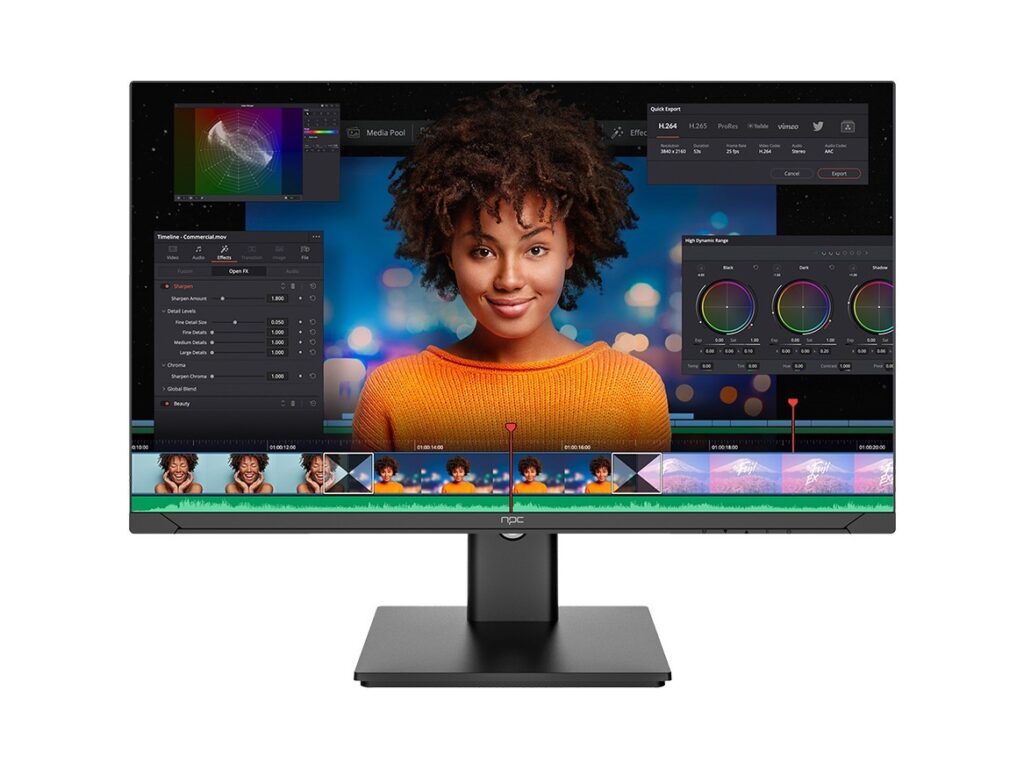
Why this is a problem for people like you
People buy the wrong monitor because they chase a single spec. Bigger numbers don’t always mean better experience. Gamers get high refresh without the GPU to drive it. Creatives pick wide-gamut panels but forget calibration workflows. Office buyers choose glossy glass and then squint at reflections. That mismatch wastes money and time. I’ve handled installations where a small port choice or a bad stand ruined the whole setup — simple oversights with outsized consequences.
Concrete features that actually matter
Start with use, then check these: panel type (IPS for color accuracy, VA for contrast, TN only for niche low-latency), true refresh and frame-sync support (G-Sync/FreeSync), measured color coverage and factory calibrations (look for Delta E values), HDR implementation (local dimming matters), port diversity (display, HDMI, USB-C with power delivery), and ergonomic adjustments. Don’t ignore build: stand stability, VESA compatibility, and warranty terms. Ask for real measurement reports not just marketing percentages.
Common mistakes and how to avoid them
Buying by one spec: don’t. Trusting advertised HDR without testing: don’t. Assuming color space names guarantee color accuracy: don’t. Skipping the power delivery spec for USB-C: don’t. Quick fixes: request an actual colorimeter report, test with your content if possible, confirm your GPU and cables match the monitor’s capabilities, and check return windows. These steps remove guesswork.

Match monitors to real-world applications
For remote work: pick a comfortable 24–27″ IPS with adjustable stand, USB-C charging, and visible matte finish. For creative work: prioritize wide color gamut, hardware calibration support, and at least 27″ 1440p or 4K depending on detail needs. For gaming: pair refresh rate to your GPU, prefer adaptive sync, and ensure low input lag over flashy HDR that’s poorly implemented. For mixed use: balance color performance with ergonomics and ports; a reliable midrange panel is better than an exotic spec sheet.
How to evaluate brands and claims
Look beyond press releases. Check third-party reviews with measurement data. Ask whether the brand publishes firmware update histories and whether tech support responds with concrete troubleshooting steps. Brand reputation matters when it comes to replacement policies and long-term calibration support. My experience working with installers in Latin America shows the brands that solve real installation issues are the ones that last — they fix firmware quirks, provide clear service routes, and stand by warranty promises.
What to do right now — a short checklist
Decide primary use, set a realistic budget, verify GPU and cables, demand colorimeter or lab reports for color work, test ergonomics in person or confirm return policy, and confirm the monitor’s I/O supports your workflow. Keep receipts and document serial numbers; you’ll thank yourself if you need service.
Final synthesis
You can stop guessing. Treat monitor choice as matching tools to tasks: measure what matters, avoid one-spec shopping, and prioritize service and real measurements over marketing language. When you combine those rules with reliable manufacturers and clear documentation, purchases stop being risky and start delivering steady results, which is exactly the approach used by npc in their product selection and support.
